Brand identity
One ridge as a signature.
Open in the editorDraw a zone on the map, trace it as crisp contour lines or a field of points, and export print-ready SVG & HD PNG. Style with colour, gradients and elevation taper — straight into Figma.
Free with Google or GitHub · Credits never expire
Elevation data
National 5–10 m models where they exist, a global bare-earth model everywhere else.
Bare earth first
Contours follow the ground, not treetops or rooftops.
Picked for your zone
Auto reads the finest source covering the whole zone.
Bring your own
Upload a georeferenced GeoTIFF and trace it like any zone.
Credited in the file
Source and licence are written into every export.
Search a town or a peak, then draw the exact area you want to trace.
Set the contour spacing, index lines and stroke weights to match your design.
One slim toolbar keeps drawing, layers and export a click away, never in your way.
SVG for design tools, GeoJSON and DXF for GIS and CAD.
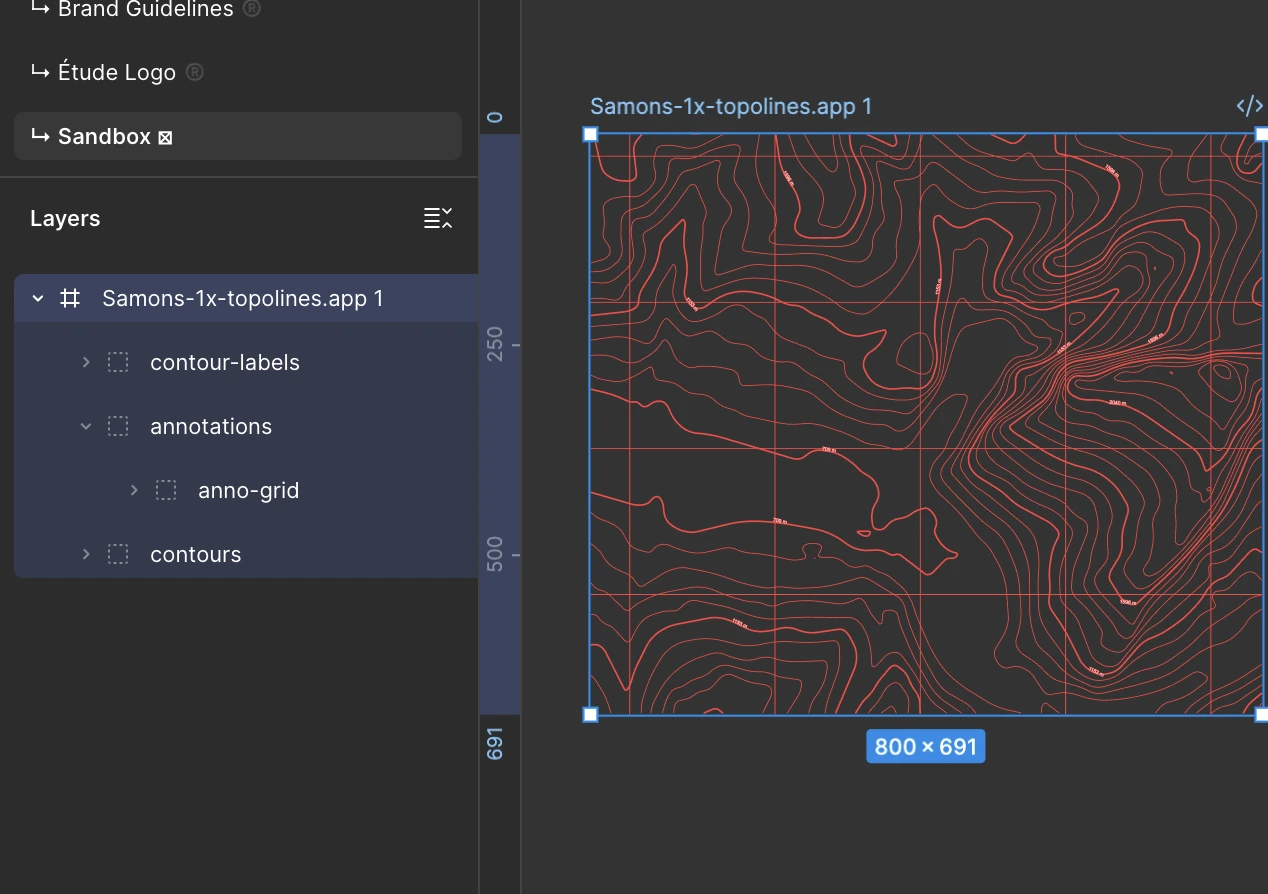
Paste straight into Figma. Copy the SVG or an HD PNG to your clipboard.
 Figma
Figma 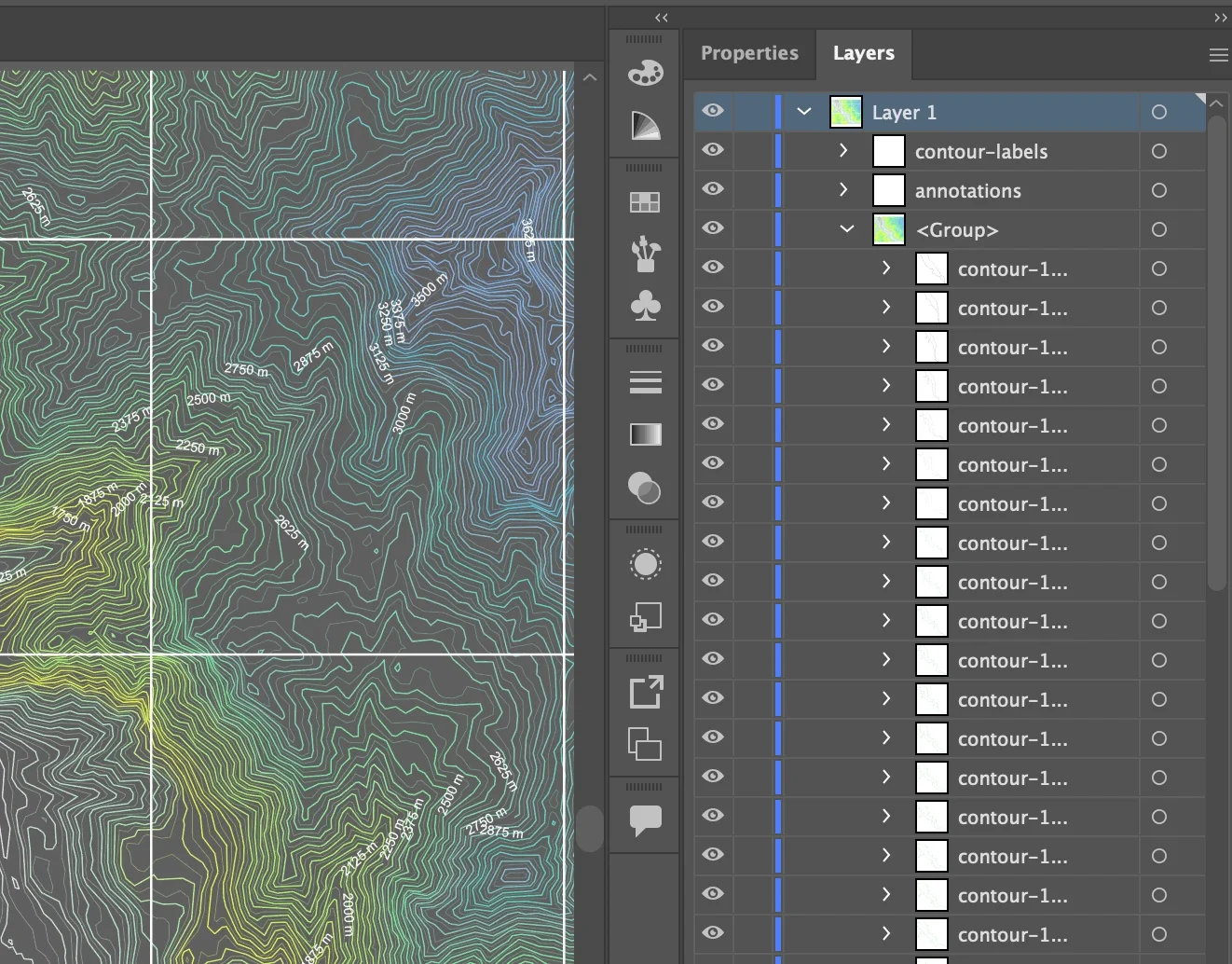
One group per height. Every contour is a real path, grouped by elevation.
 Illustrator Figma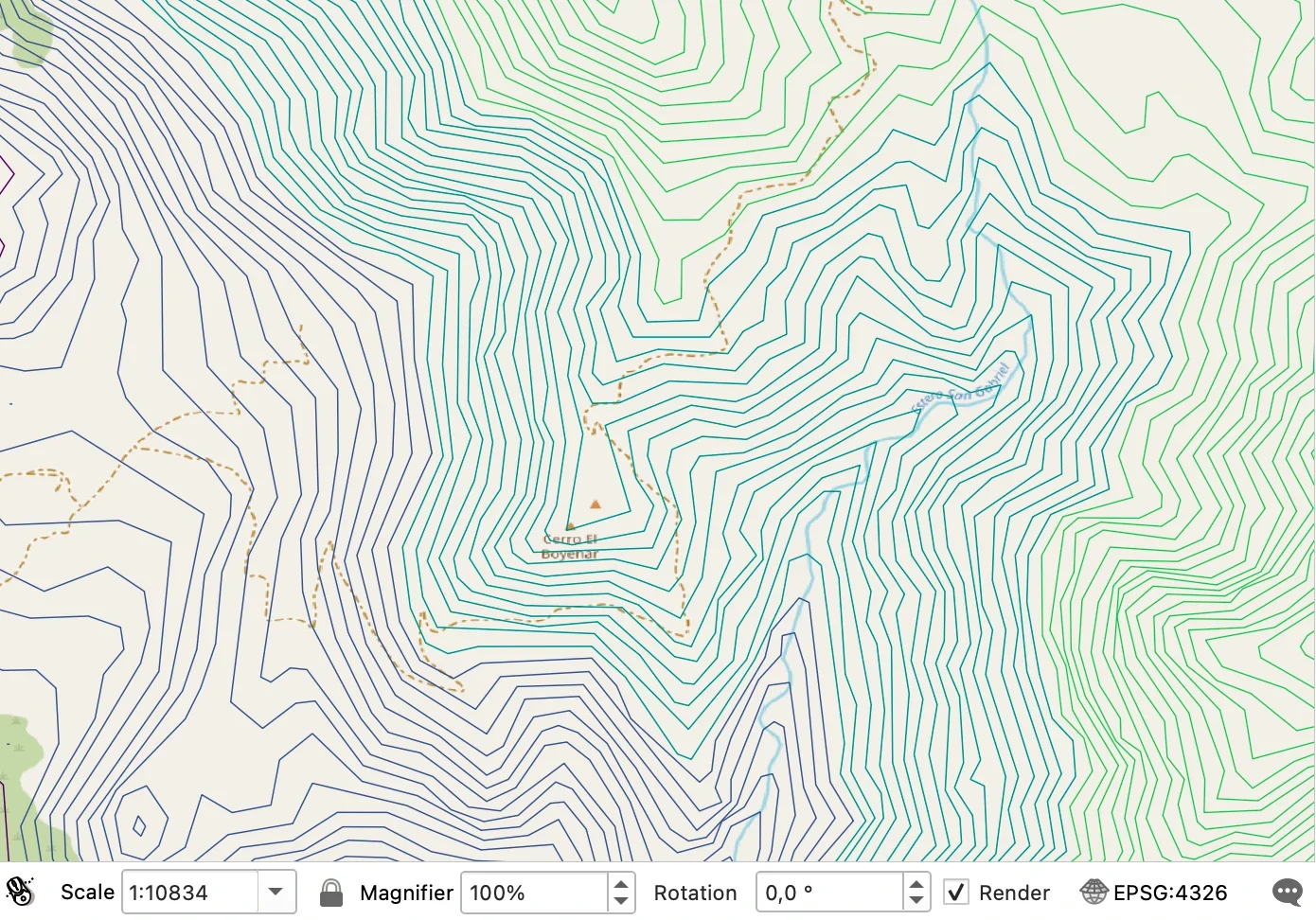
In your coordinate system. GeoJSON for QGIS or ArcGIS, layered DXF for CAD and CNC.
 QGIS
QGIS  ArcGIS
  AutoCAD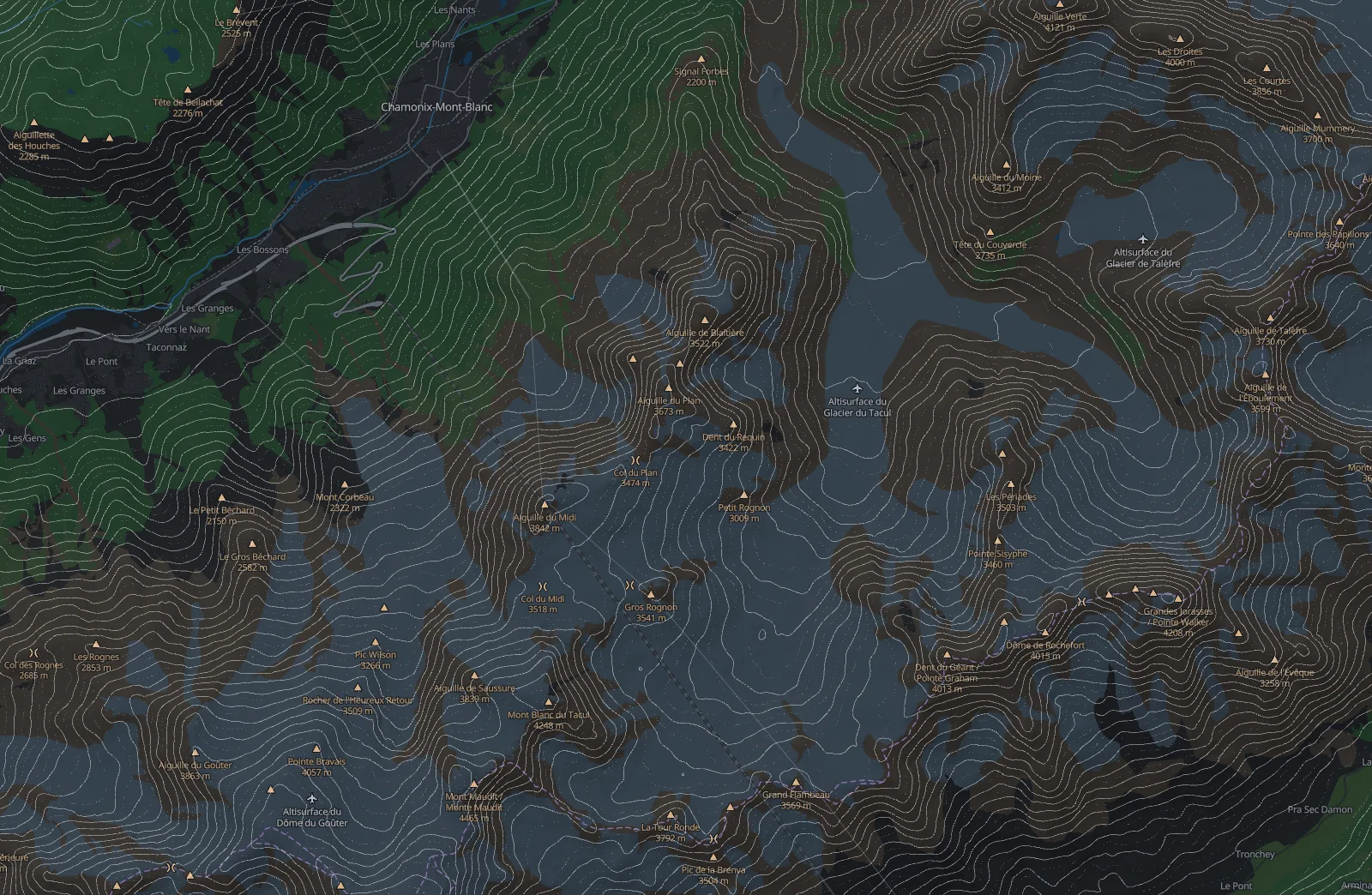
Every interval, one clean vector line.
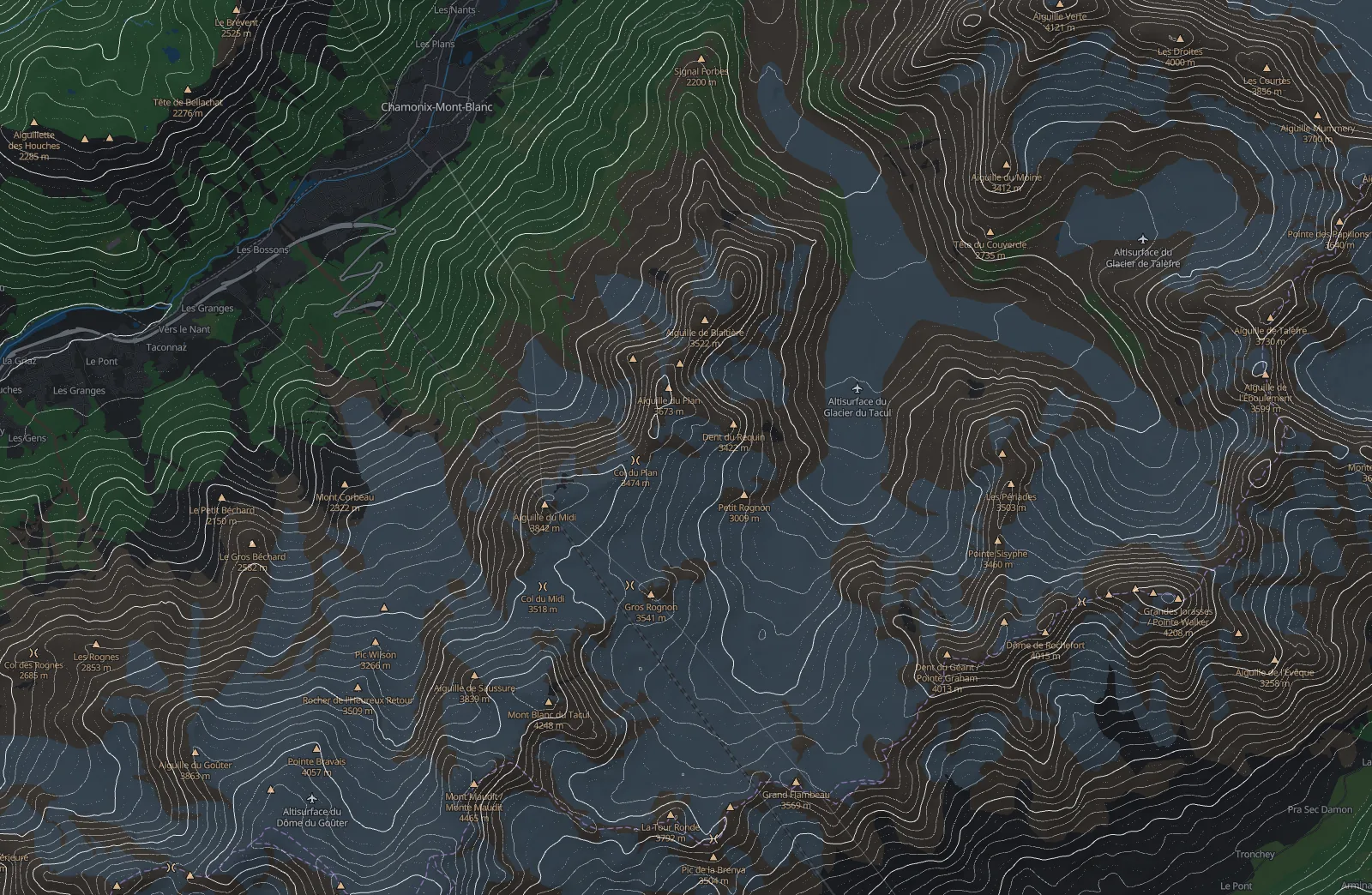
Every fifth line heavier, so the eye can count the climb.
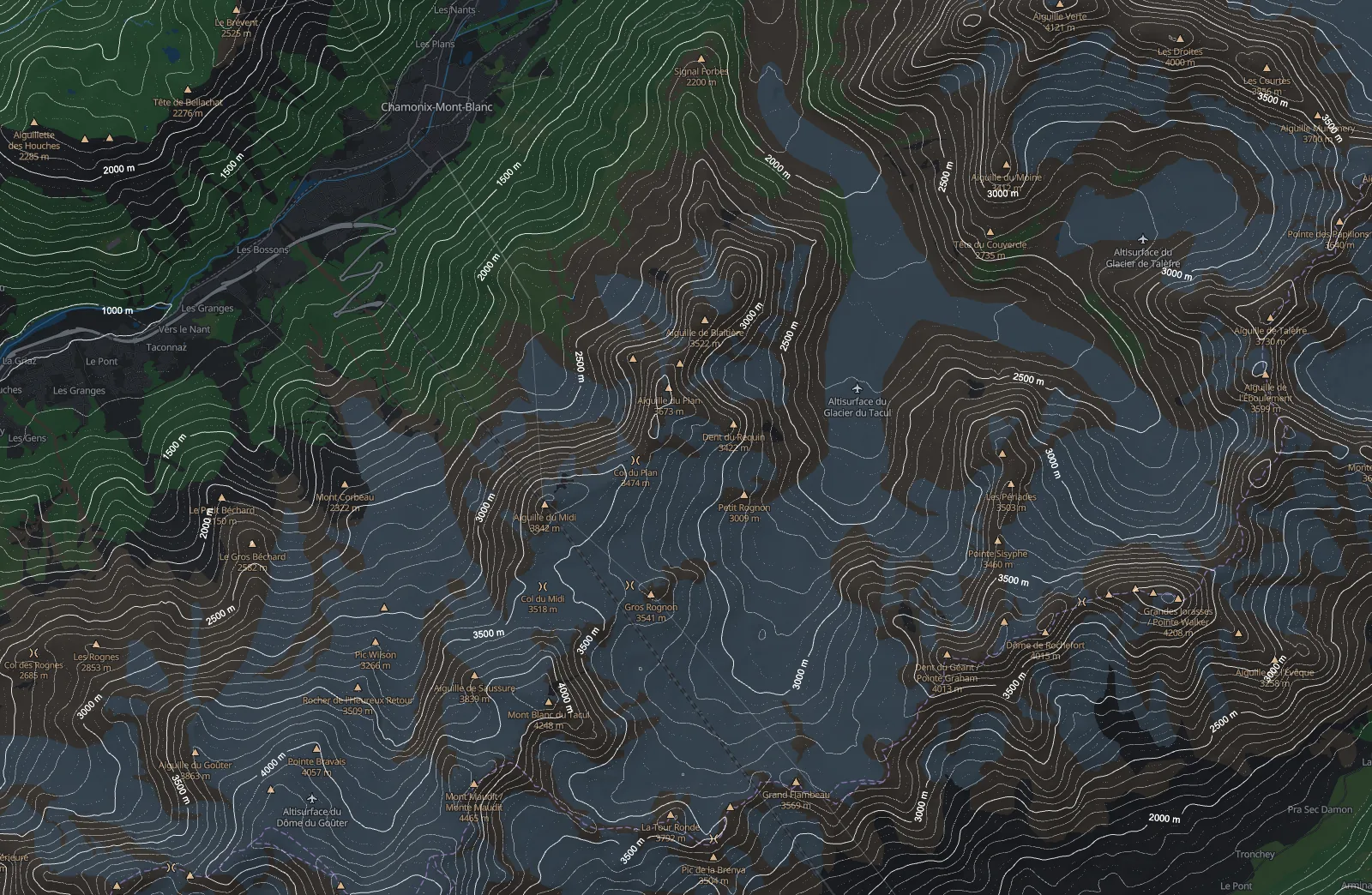
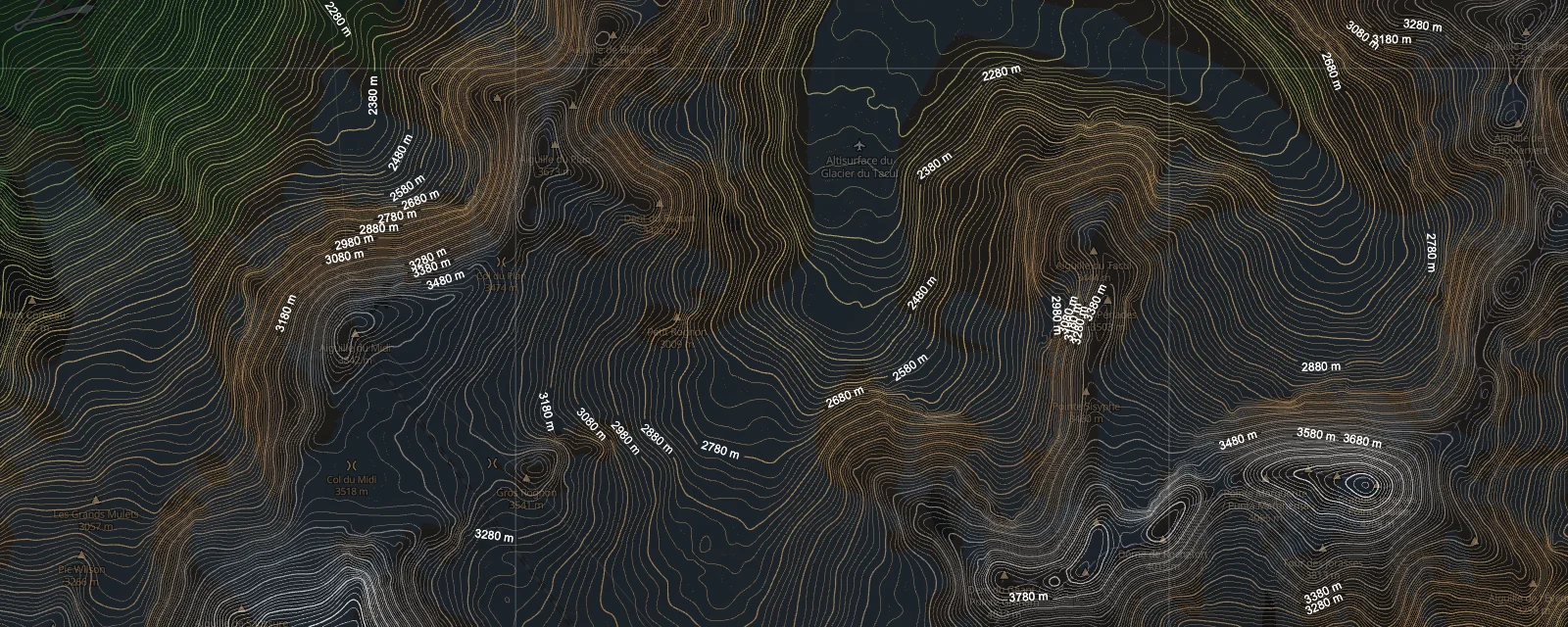
Heights set into the index lines.
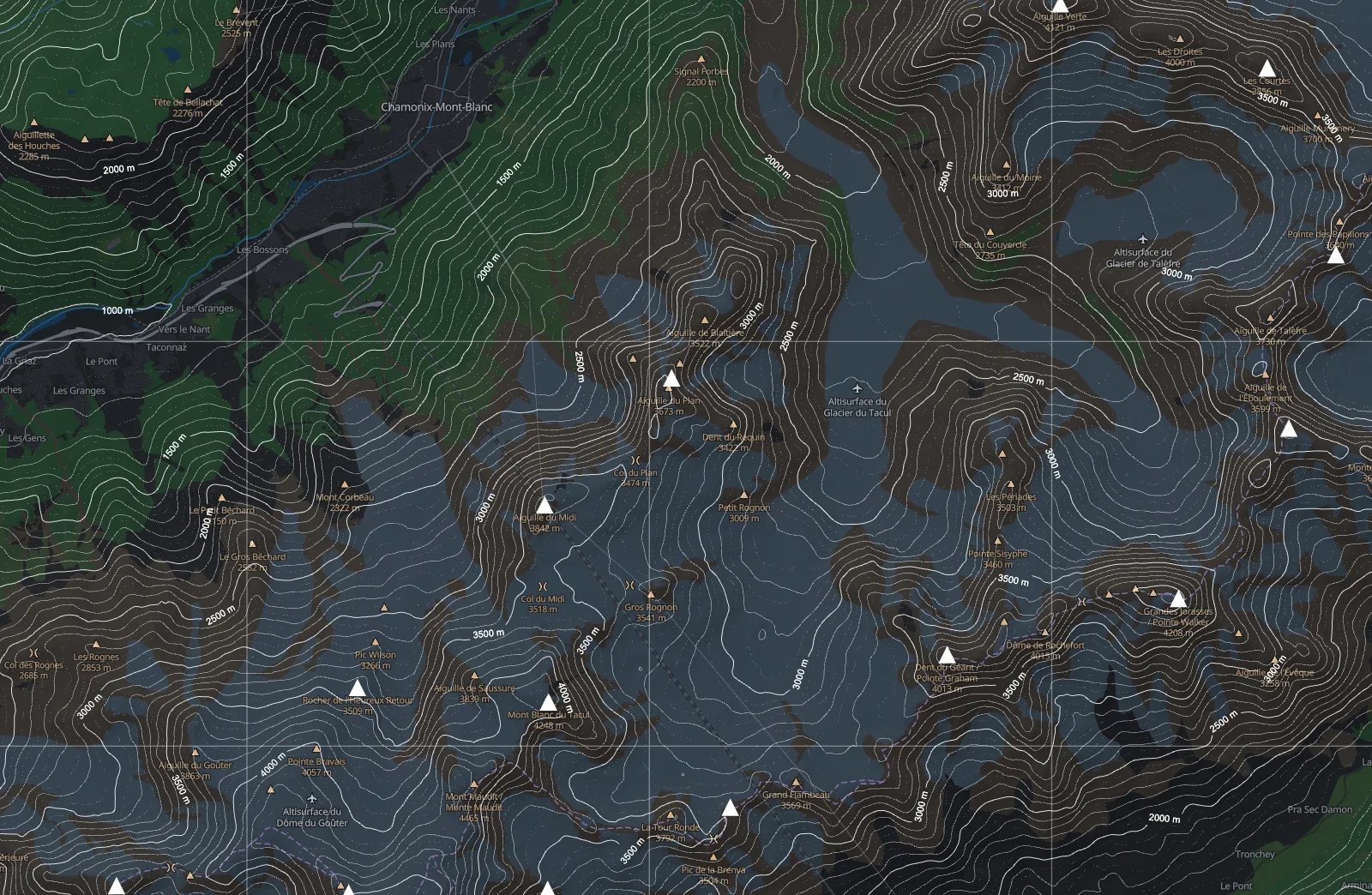
OSM summits and a metric grid, drawn in the same ink.
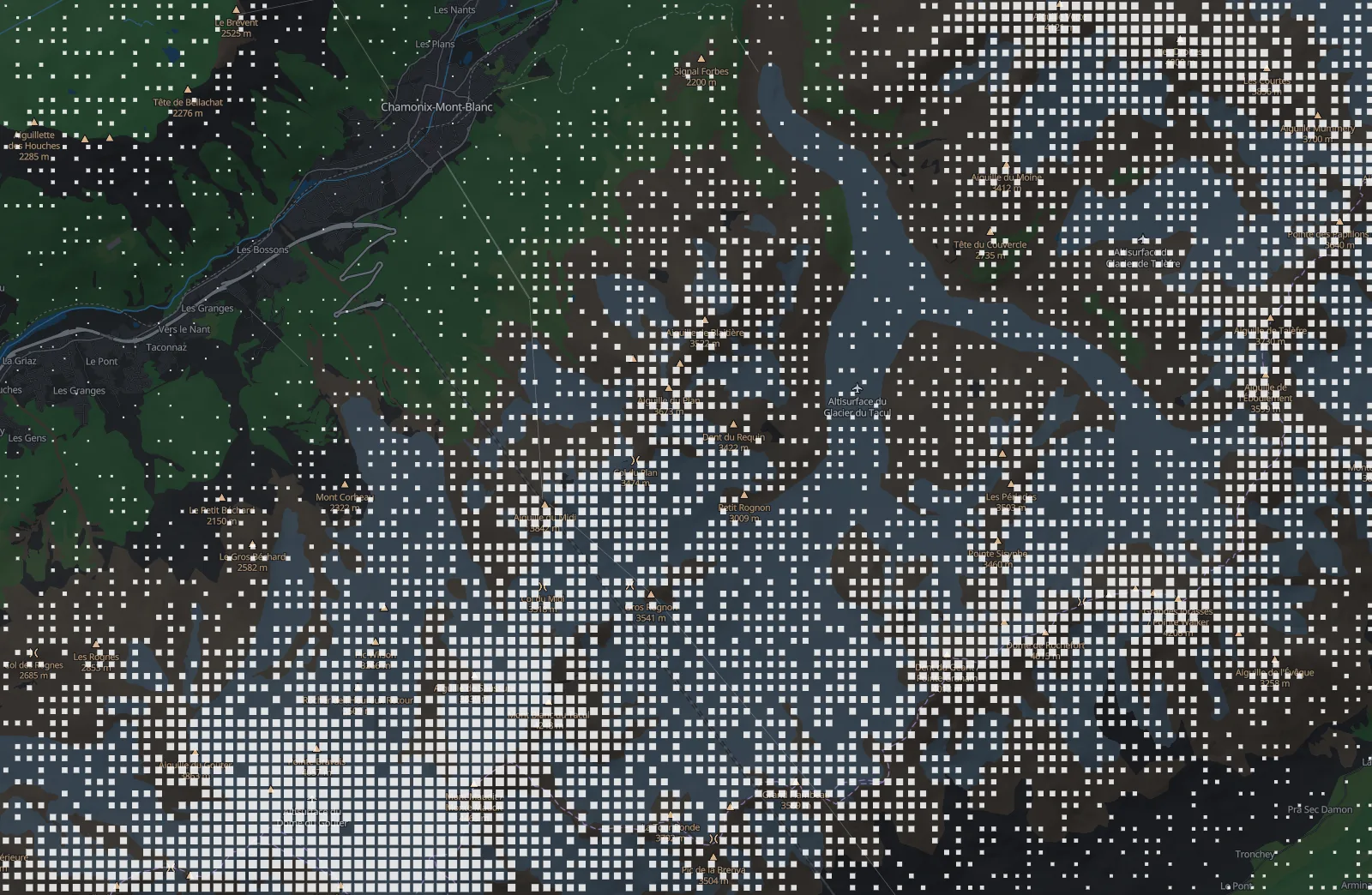
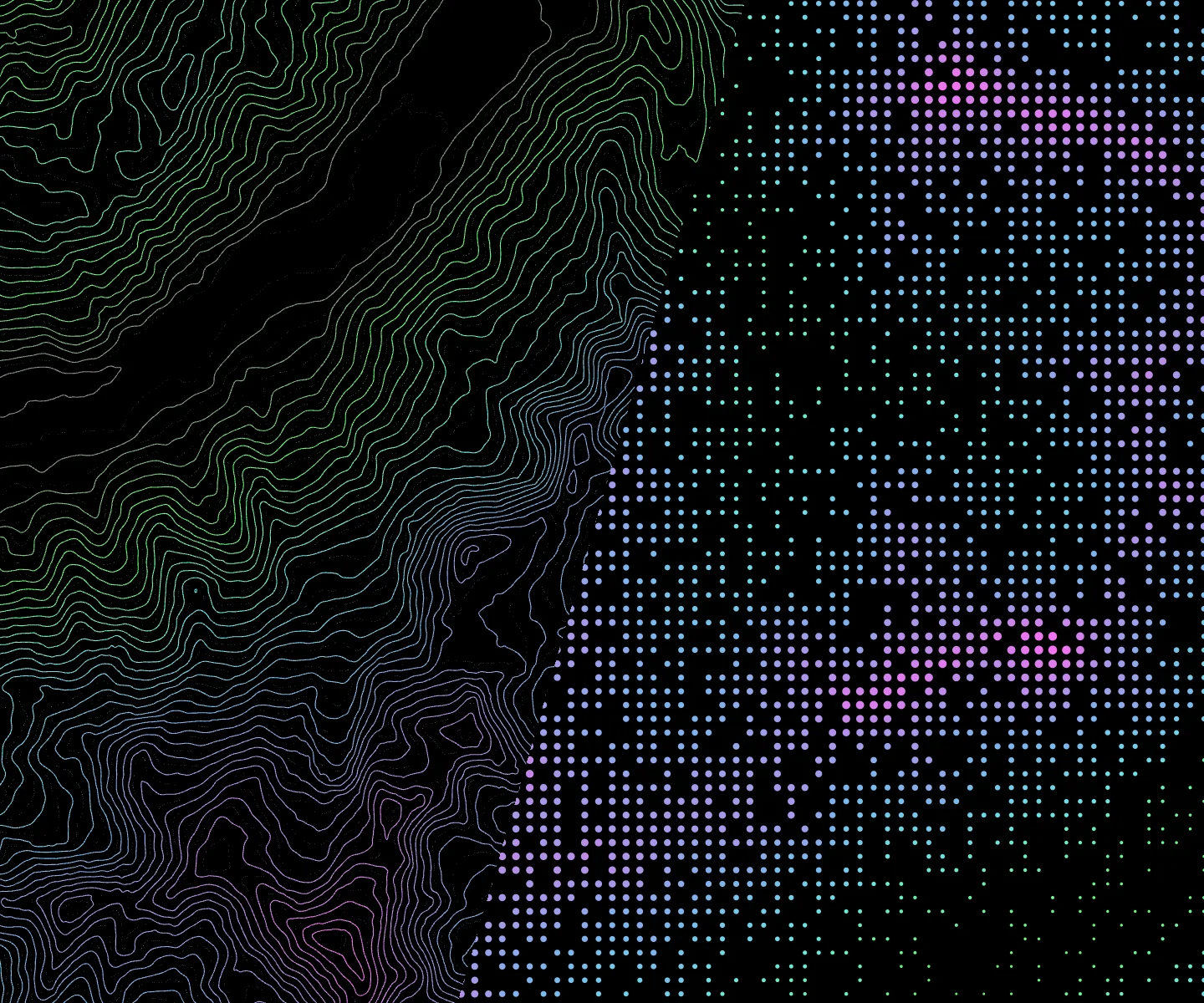
The same ground as a field of dots, denser and larger as it climbs.
Start somewhere
One ridge as a signature.
Open in the editor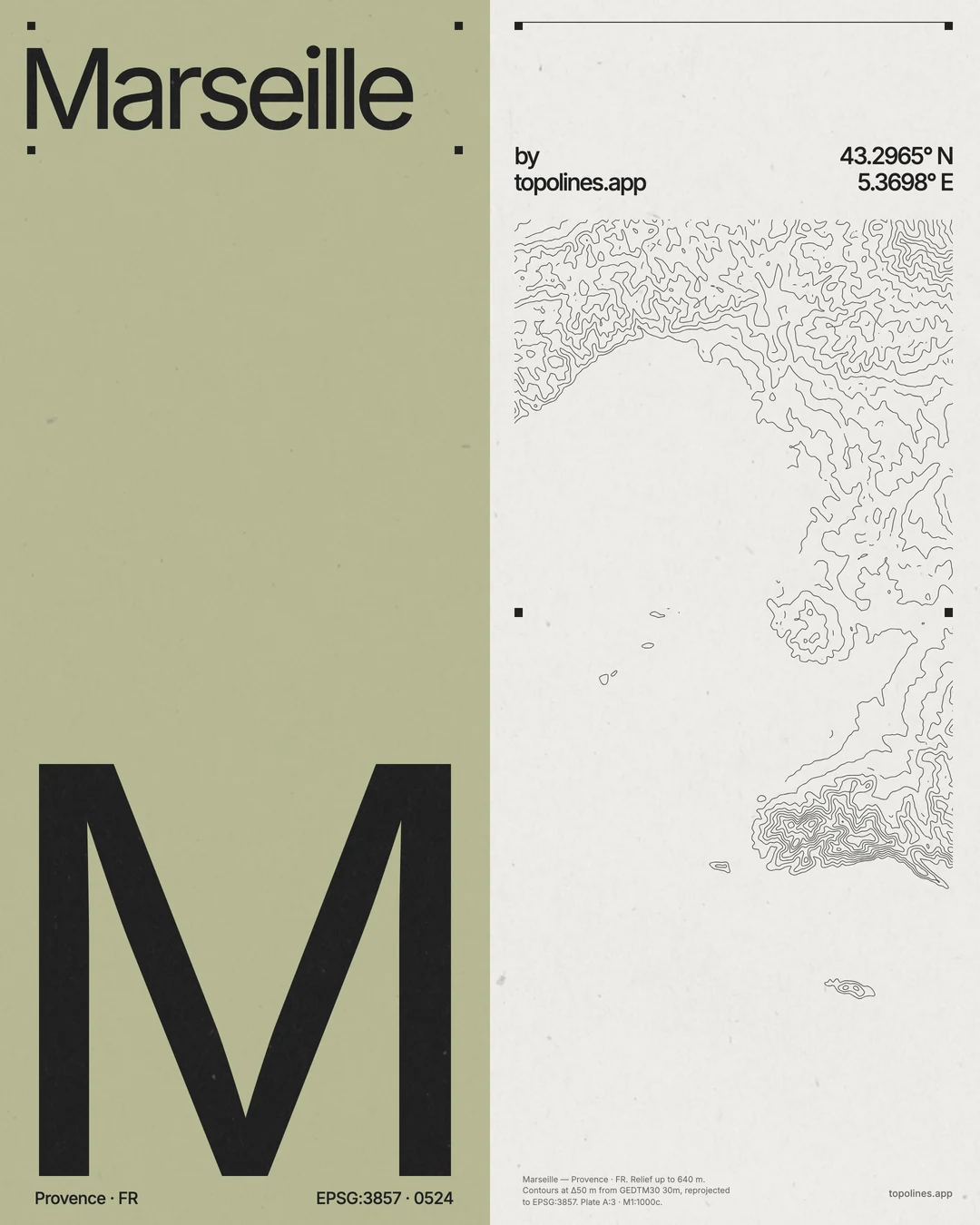
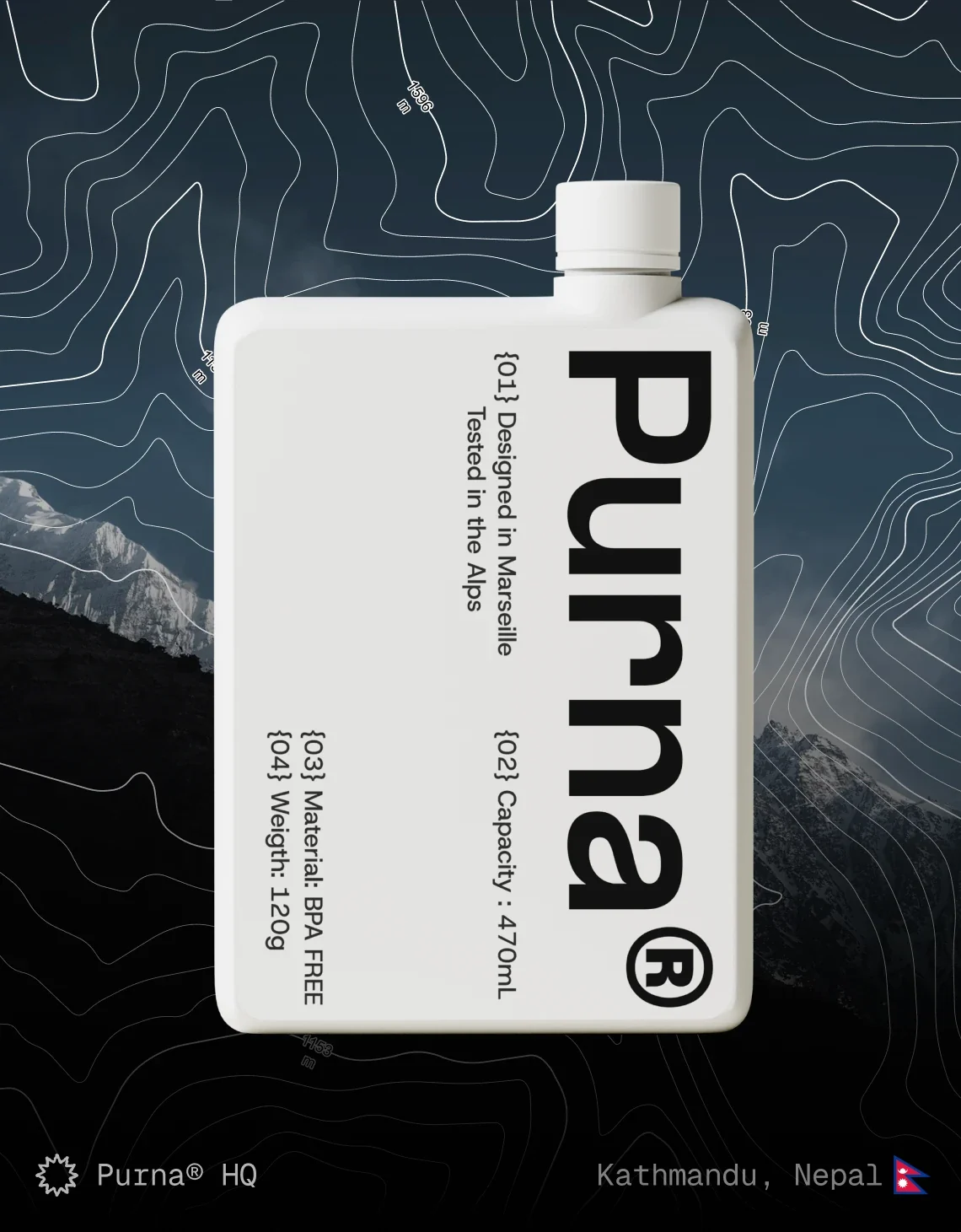
Line art behind a headline.
Open in the editor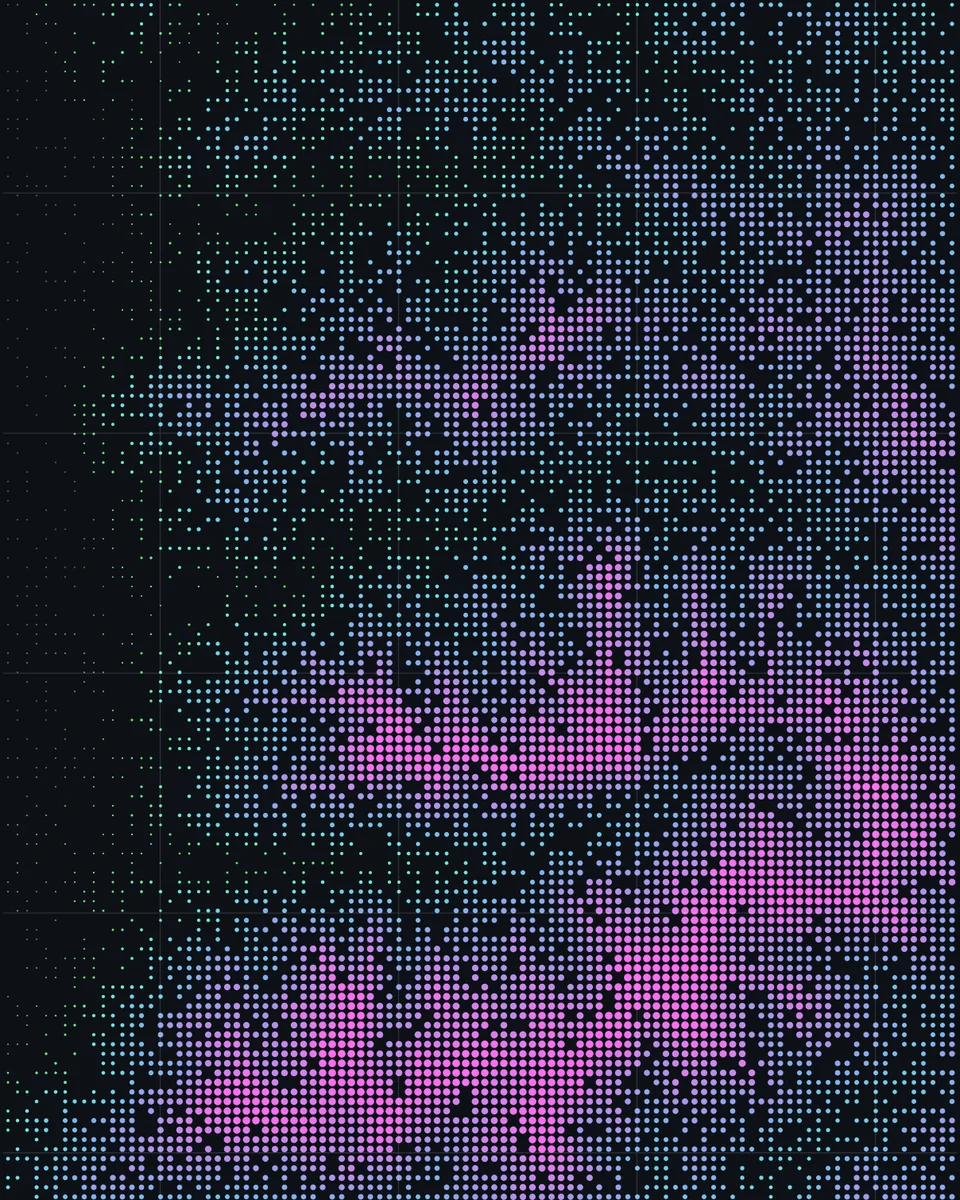
A calm base layer under your data.
Open in the editor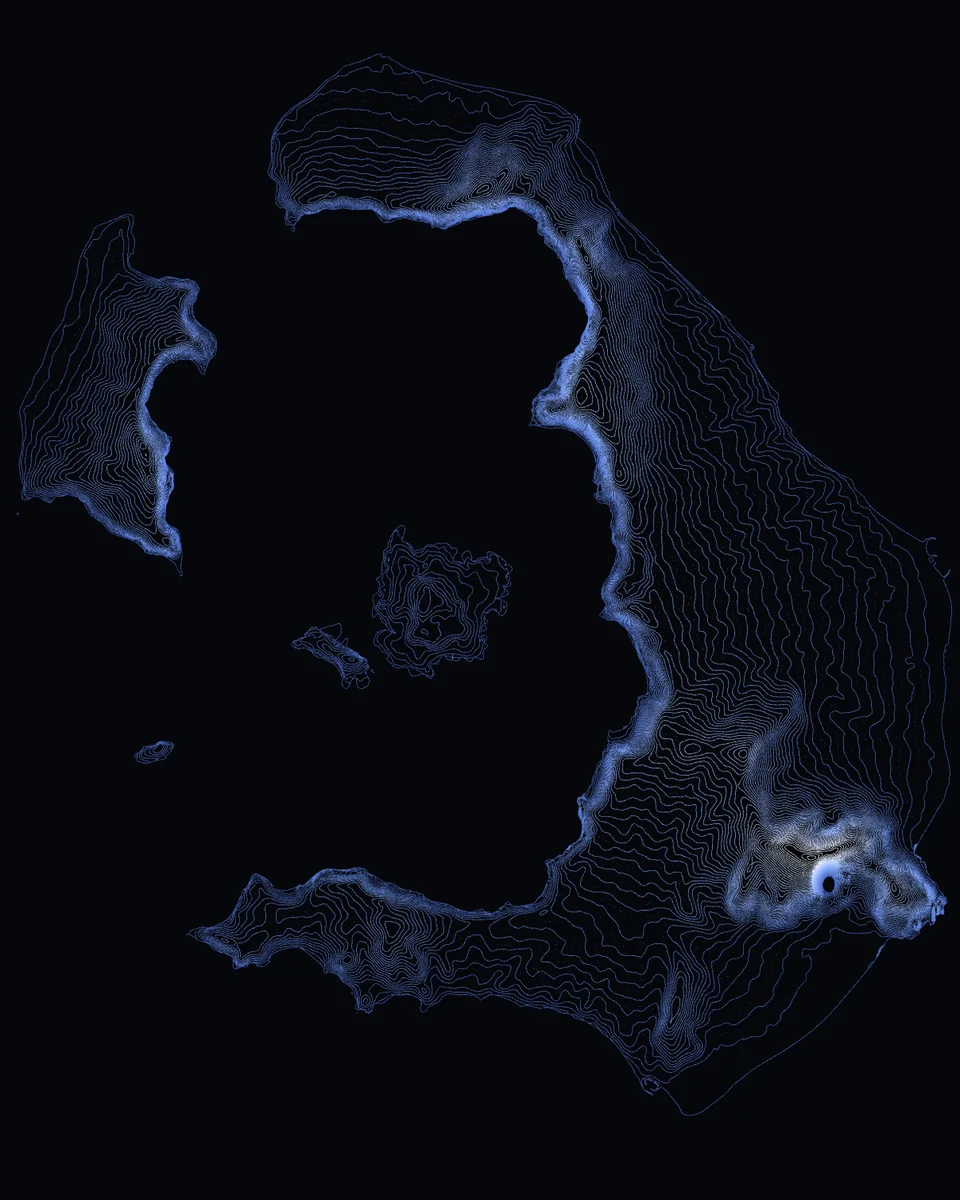
Relief behind a hero section.
Open in the editor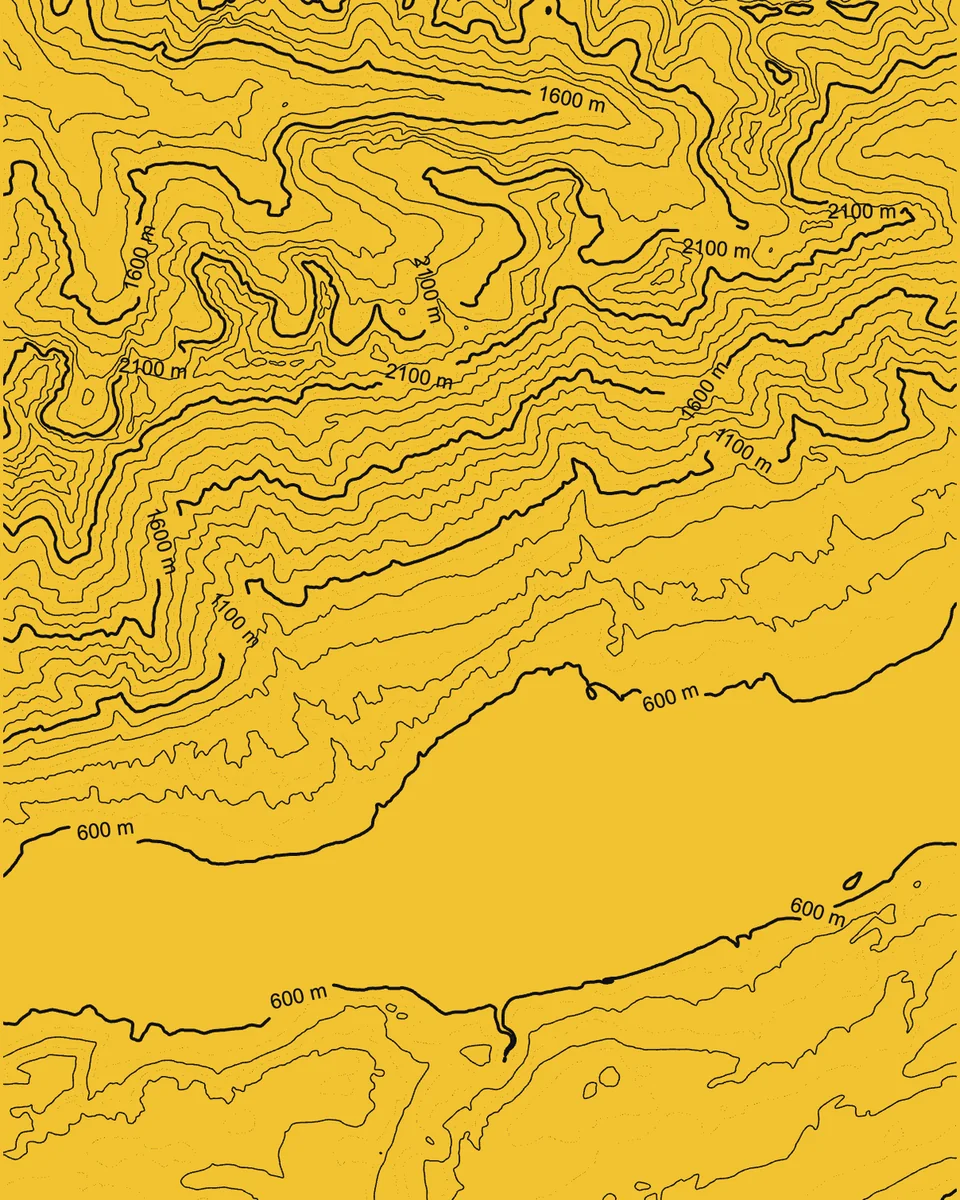
Legible at the scale of a wall.
Open in the editor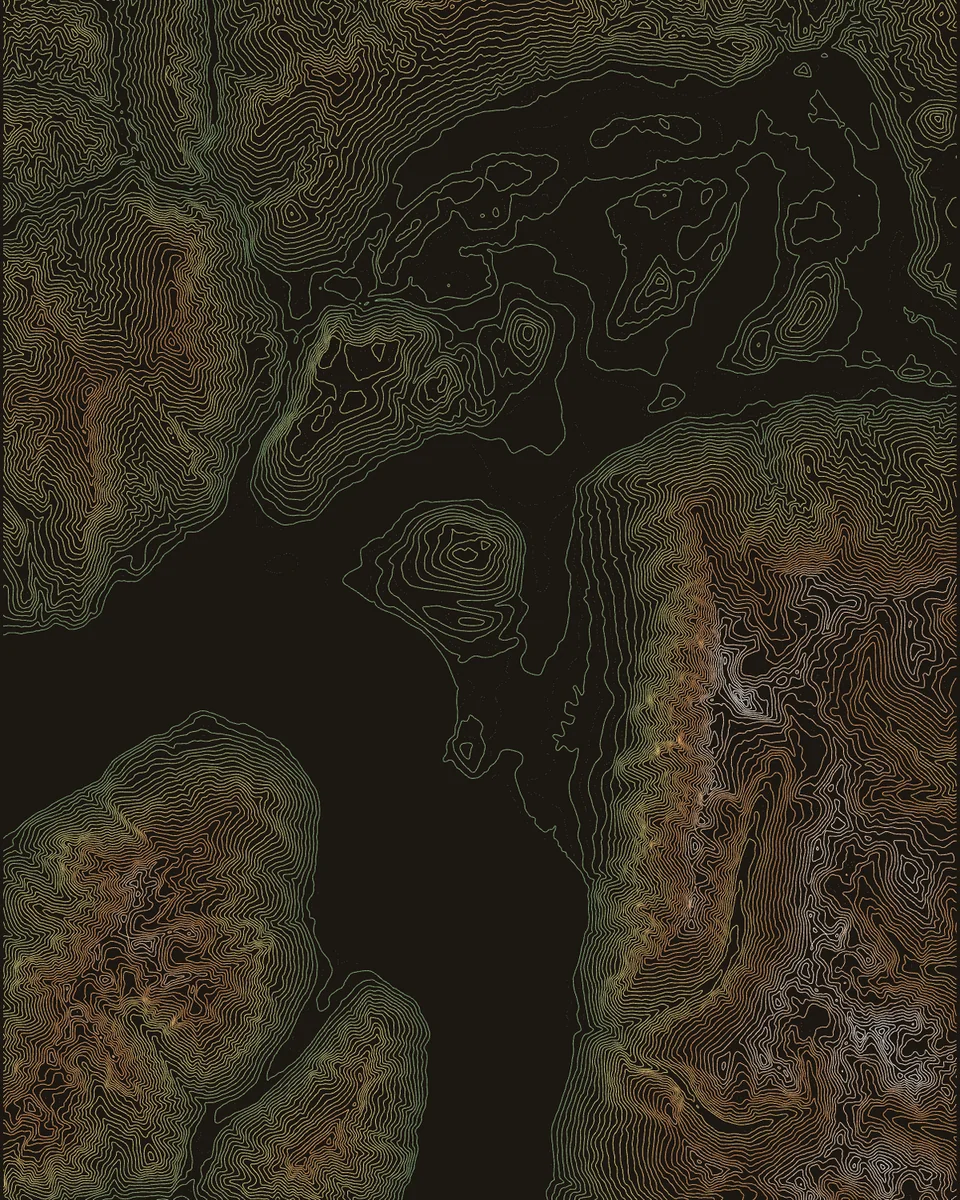
Real relief under an invented map.
Open in the editor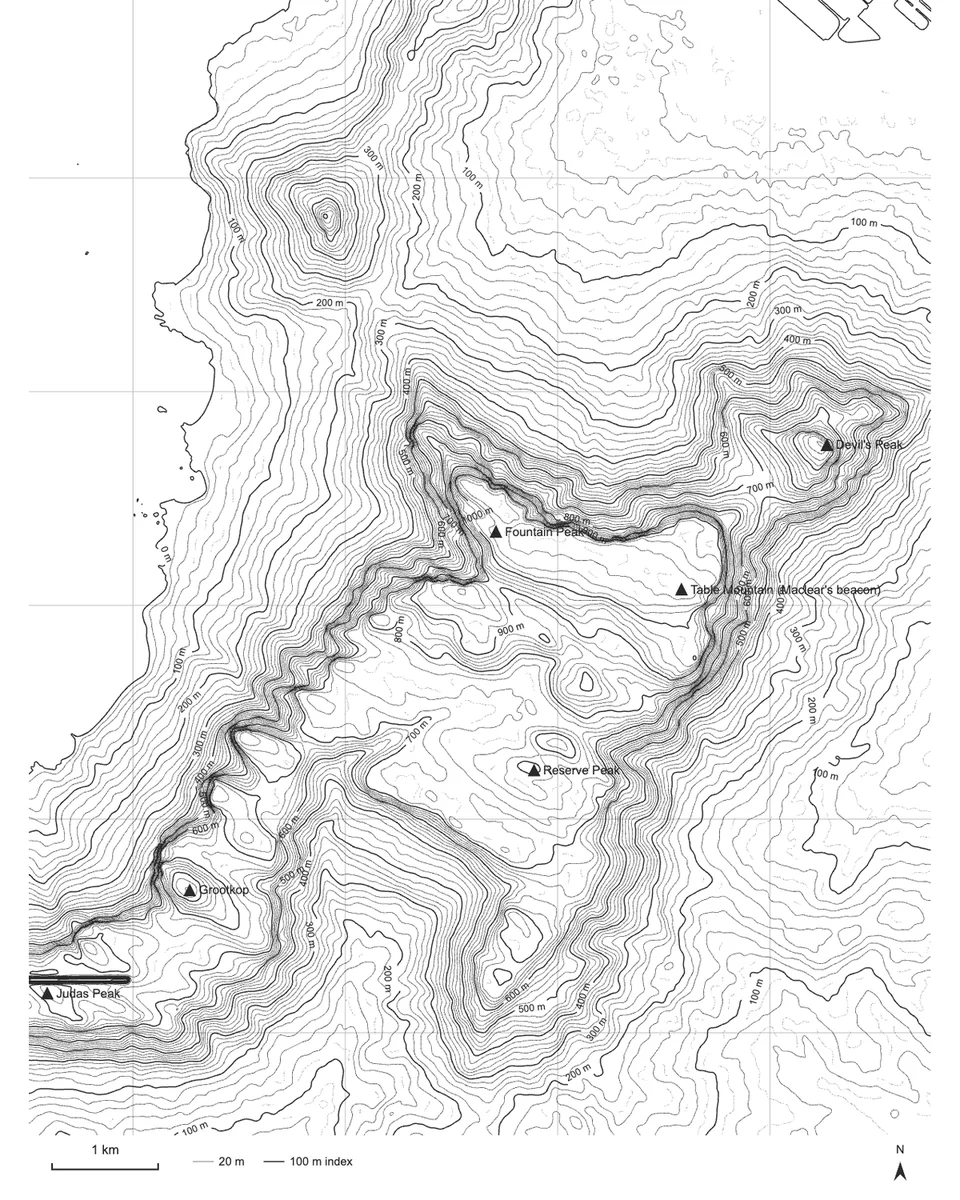
Scale bar, legend and your CRS.
Open in the editorStart free. Unlock everything with a credit pack — one pack opens all Pro features, and credits never expire.
Full pricing & feature comparisonPerfect for hobbyists or students
€0 euros/
for ever
For indie creators, and startups who need high-quality output
Pay as you go
Buy credits — they never expire. One pack unlocks all Pro features. Already paid? Claim your credits
Everything you need to know about credits, exports and terrain accuracy. See the full FAQ, or the help & troubleshooting page if something's broken.
Free covers a single zone up to 100 km², standard 30 m terrain, basic colour styling and low-res PNG. Pro unlocks vector SVG, HD PNG, 10 m terrain, fine 5–10 m intervals, gradients, taper, multiple zones and batch export.
Never. Buy a pack whenever you need it — one pack unlocks all Pro features and the credits stay on your account until you use them.
Print-ready SVG (vector, grouped by elevation or flattened to one shape) and HD PNG — copy either straight to your clipboard for Figma. For GIS and CAD, GeoJSON in your chosen coordinate system and layered DXF.
A second way to draw the same terrain: instead of contour lines, a field of dots, squares or crosses whose size and density follow the elevation. It's one switch in the editor, and it works like Lines — free to try, Pro for HD and SVG export.
Standard mode uses 30 m GEDTM30 bare-earth elevation; Pro adds 10 m GeoTIFF for noticeably finer, more accurate contours.
Yes — the contour line art you generate is yours to use in your own projects, prints and products.
If you checked out with a different email than the one you log in with, head to the claim page and enter your order ID and checkout email to move the credits onto your account.